

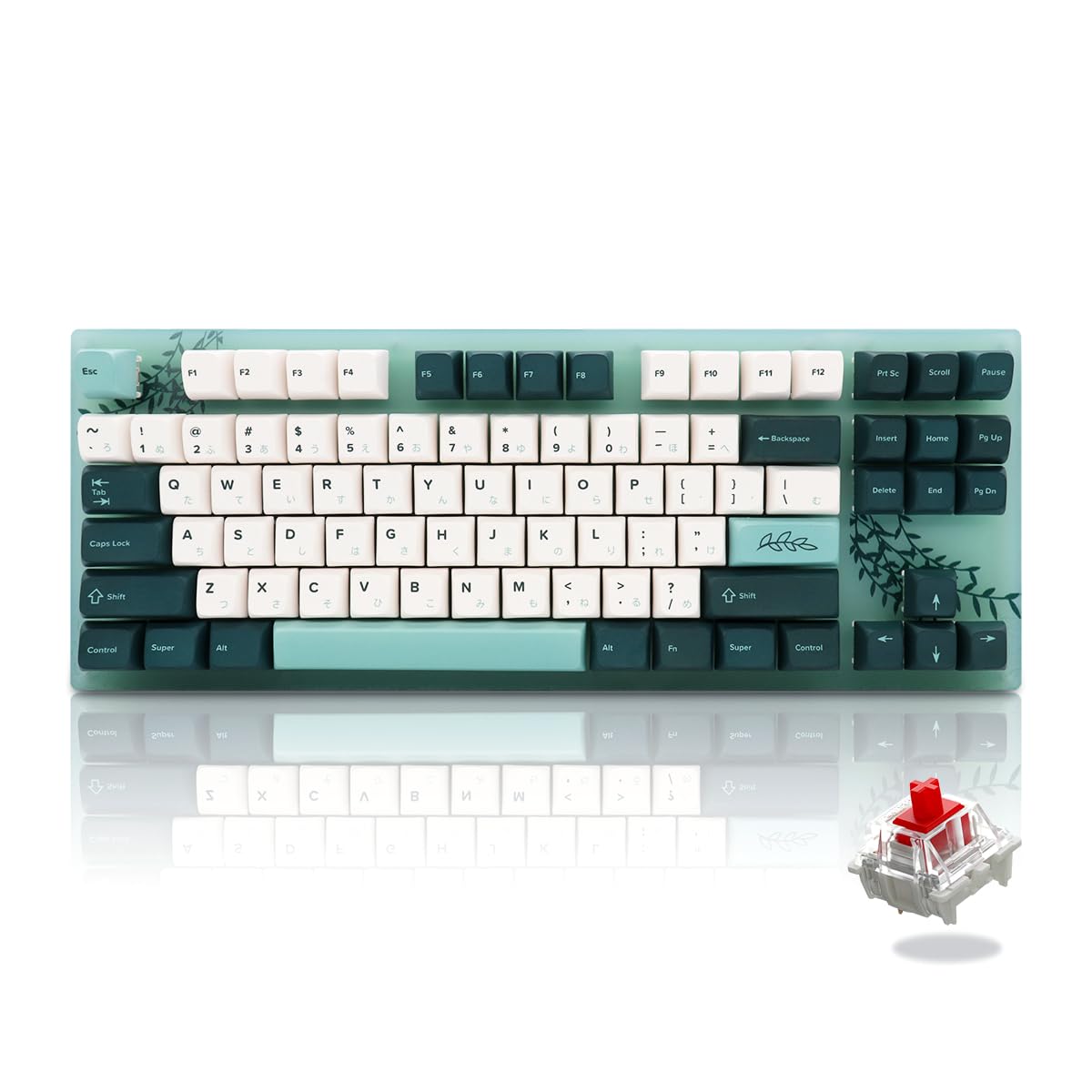
An 87 keyboard is a staple for many computer users due to its compact design and efficient functionality. However, without proper care, dirt, dust, and grime can accumulate, affecting both its performance and lifespan. In this guide, we’ll explain how to clean and maintain your 87 keyboard properly, ensuring it stays in top condition for years to come.
Why Cleaning Your 87 Keyboard is Important
Keyboards are one of the most frequently used peripherals, which makes them prone to dust, food particles, and other debris. Over time, this buildup can cause sticky keys, slow responses, and even hardware damage. Regular cleaning not only enhances the typing experience but also prolongs the life of your keyboard.
Tools You’ll Need
Before you start, gather the following items:
- Soft microfiber cloth
- Compressed air canister
- Keycap puller (if removable)
- Isopropyl alcohol (70% or higher)
- Cotton swabs
Having these tools ready will make the cleaning process smoother and safer for your keyboard.
Step-by-Step Guide: How to Clean Your 87 Keyboard Properly
1. Power Off and Unplug
Always start by unplugging your keyboard or turning it off. This ensures safety and prevents any accidental key presses during cleaning.
2. Remove Keycaps (Optional but Recommended)
If your 87 keyboard has removable keycaps, use a keycap puller to gently remove them. This allows for a more thorough cleaning, reaching areas where dust and grime hide.
3. Dust and Debris Removal
Use a can of compressed air to blow out dust and debris from between the keys. Hold the keyboard at an angle to let particles fall out naturally. A soft brush can also help sweep away stubborn dirt.
4. Clean the Surface
Dampen a microfiber cloth with a small amount of isopropyl alcohol and gently wipe the keyboard surface. For tight spaces, use cotton swabs dipped in alcohol. Avoid excessive moisture to prevent damage.
5. Reattach Keycaps and Final Touches
Once everything is dry, reattach the keycaps. Give the keyboard one last wipe to remove any fingerprints or smudges. Your keyboard should now look and feel almost new.
Maintenance Tips to Keep Your 87 Keyboard in Top Shape
- Regular Dusting: Use compressed air once a week to prevent buildup.
- Avoid Eating Over the Keyboard: Food particles can quickly clog keys.
- Periodic Deep Cleaning: Remove keycaps and clean thoroughly every few months.
- Keep Hands Clean: Wash hands before using the keyboard to reduce oil and dirt transfer.
By following these steps and tips, you can ensure that your keyboard performs optimally and lasts longer.
Conclusion
Knowing how to clean and maintain your 87 keyboard properly is essential for both performance and hygiene. With simple tools and regular care, you can prevent key issues, improve typing comfort, and extend the lifespan of your keyboard. Make cleaning a routine, and your 87 keyboard will continue to serve you flawlessly for years.
